
What Is Adobe Portfolio? A Designer's Complete Guide (2026)
Adobe Portfolio is a website builder included with Creative Cloud that most designers never realize they already have. Here's what it is, who it's for, and whether it's right for your design portfolio.
If you're a designer with a Creative Cloud subscription, there's a tool sitting in your Adobe account right now that you've probably never opened. It's called Adobe Portfolio, and it builds your portfolio website for you.
Most designers I talk to fall into one of two camps. Either they've never heard of Adobe Portfolio, or they've heard of it but assume it's some stripped-down freebie that isn't worth their time. Both reactions make sense. Adobe doesn't market it loudly, and it lives quietly inside the Creative Cloud dashboard next to tools like Photoshop and Illustrator that get all the attention.
But here's what's actually going on: Adobe Portfolio is a real, production-quality website builder designed specifically for creative professionals. It's free with any paid Creative Cloud plan. And for a huge number of designers, it's the fastest way to go from "my portfolio isn't live" to "here's my link."
This is the guide I wish someone had handed me the first time I opened the Creative Cloud app. Here's everything you need to know about what Adobe Portfolio is, what it actually does, and whether it's the right choice for the portfolio you're trying to build.
Key Takeaways
- Adobe Portfolio is a website builder bundled free with every paid Adobe Creative Cloud subscription.
- It's designed specifically for creative professionals, with automatic Behance sync and Adobe Fonts built in.
- You can launch a complete portfolio website in about a day with no coding or design-system work required.
- It's ideal for early-to-mid-career designers who need to get live fast, less suited for highly customized brand sites.
What Is Adobe Portfolio, Exactly?
Adobe Portfolio is a website builder owned by Adobe and included at no additional cost with any Creative Cloud subscription. It exists for one specific purpose: to help creative professionals get a portfolio website live as quickly and cleanly as possible.
It's a hosted platform, which means you don't need to buy hosting, install anything, or manage code. You pick a theme, add your projects, and publish. Your site is live at a myportfolio.com subdomain by default, or you can connect a custom domain like yourname.com in a few clicks.
The platform was created specifically for the Creative Cloud audience, which shapes every decision about how it works. The themes are minimal and image-forward because designers need their work to be the focus. The editor is drag-and-drop because most designers don't want to touch code to ship a portfolio. And the whole thing integrates directly with Behance (which Adobe also owns) so your existing case studies can sync over automatically.
What Adobe Portfolio is not: a general-purpose website builder. You're not going to build a five-page corporate site, an ecommerce store, or a full marketing site on it. It's a portfolio tool, and it's honest about that scope.
Is Adobe Portfolio Free?
Yes, as long as you already pay for Creative Cloud. Adobe Portfolio is bundled with every paid Creative Cloud plan at no extra cost, including the single-app plans like Photoshop or Illustrator and the full All Apps plan.
If you're a student on the discounted Creative Cloud plan, Adobe Portfolio is included there too. For a full pricing breakdown on current Creative Cloud plans, you can check Adobe's official pricing page.
The one situation where it's not free: if you don't have any Creative Cloud subscription. Adobe Portfolio isn't available as a standalone product, so you can't sign up for just the portfolio builder on its own. If you're not already in the Creative Cloud ecosystem, it's worth weighing whether a CC subscription makes sense for your broader design work before using Adobe Portfolio as the sole reason to subscribe.
For the overwhelming majority of designers, though, this is a tool you're already paying for and just haven't activated yet.
Who Is Adobe Portfolio Actually Built For?
Adobe Portfolio is built for creative professionals whose work is visual and whose portfolio needs to showcase that work quickly and cleanly. The ideal user looks something like this:
Graphic designers are the platform's home audience. Adobe designed the themes around image-heavy case studies, typography-forward layouts, and clean grids. If you make logos, brand systems, packaging, editorial design, or campaign work, Adobe Portfolio displays it well out of the box.
Illustrators get similar value. The gallery and project page layouts are set up to showcase series of related pieces, which is how most illustration portfolios are organized.
Photographers also do well on the platform, especially the grid-based themes designed for visual work. Photography sites often live or die on image quality and loading speed, and Adobe Portfolio handles both.
UX and product designers can use Adobe Portfolio effectively for case study presentations, though it has some limitations for long-form case study layouts compared to a platform like Framer. For early-career UX designers, it's often the fastest way to get a solid portfolio live.
Students and early-career designers are probably the biggest winner here. If you're trying to land your first job or your first clients, Adobe Portfolio removes nearly every friction point between "I have good work" and "recruiters can see it."
Who it's less suited for: senior designers building a highly custom brand presence, agencies with complex multi-page site needs, or designers who want deep animation and interaction work baked into their portfolio. At that tier you'll likely outgrow Adobe Portfolio and move to Framer or Webflow. For a detailed take on fit, see Is Adobe Portfolio right for you?.
What Can You Actually Build With Adobe Portfolio?

You can build a complete multi-page portfolio website. That includes a homepage, individual project pages for every piece of work, an about page, a contact page, and any additional static pages you want to add like services, pricing, or a blog feed. Each page can be styled independently within the theme's design system.
The core features that matter:
Themes. Adobe Portfolio ships with a set of pre-built themes, each designed for a specific type of creative work. You pick one as your starting point, and your content populates into it. Themes are fully responsive, so mobile and tablet layouts work automatically.
Custom domains. Connecting a domain like yourname.com takes about five minutes and doesn't require any DNS expertise. Your domain becomes your primary portfolio URL.
Behance sync. If you already have work on Behance, Adobe Portfolio can pull those projects in directly. This is one of the most underrated features on the platform. Designers who have been posting to Behance for years can populate an entire portfolio in minutes.
Adobe Fonts. You have access to the full Adobe Fonts library from inside the portfolio editor. That's hundreds of professional typefaces available at no extra cost, which is a meaningful perk if you care about typography (and if you're a designer, you do).
Custom pages and layouts. Beyond the themed project pages, you can build custom pages with text blocks, image grids, videos, buttons, embeds, and link lists. This is enough flexibility for a services page, an about page, a case study, or a contact page.
Password protection. You can lock individual pages behind a password, which is useful for client work, unreleased projects, or portfolio sections you only want to share selectively.
SEO basics. Meta titles, descriptions, and alt text are all editable per page. Not as deep as a dedicated SEO platform, but enough for a portfolio site to be discoverable.
What you can't build: a full ecommerce store, a membership site, a complex blog with categories and tags, or anything with custom interactive code. Adobe Portfolio has guardrails, and they're set around the use case it was built for.
If you want a deeper look at what the platform can actually do in practice, the Adobe Portfolio review walks through the editor experience in detail.
How Is Adobe Portfolio Different From Squarespace, Framer, or Webflow?
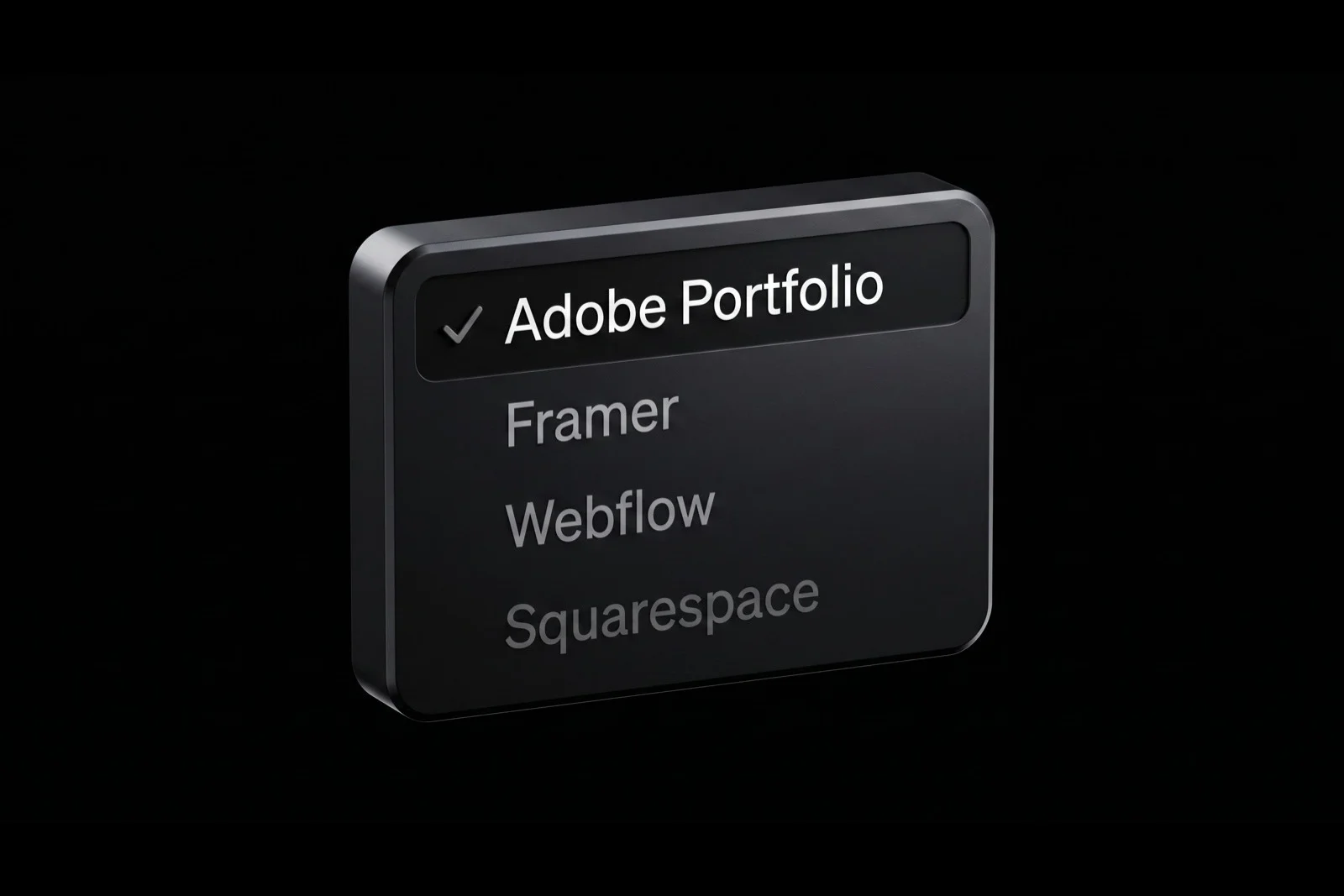
The short answer: Adobe Portfolio is narrower, cheaper (for existing CC subscribers), and faster. The other platforms are broader, more flexible, and require more setup.
Here's how they compare at a practical level:
Squarespace is a general-purpose website builder. It's excellent for service businesses, small ecommerce, and content-heavy sites. For a pure portfolio, it works but it's overkill, and you're paying monthly for features you won't use. Pricing starts at its own subscription rate independent of any design tools you already own.
Framer is the modern favorite for designers who want more polish and animation capability. The output is beautiful and the editor feels like Figma for websites. It's a separate subscription on top of your design tools, and it has a learning curve. Framer makes sense when you've outgrown Adobe Portfolio or when you want a highly differentiated brand site.
Webflow is the most powerful of the four, and the most complex. It's essentially a visual code editor that lets you build anything a developer could. Designers who want full CMS control, complex animations, and custom interactions love it. It's also another separate subscription and has the steepest learning curve of the group.
Adobe Portfolio is the opposite end of that spectrum. Narrower scope, lower ceiling, but far less friction. Bundled with a subscription you already pay for. Built specifically around creative work. You trade deep customization for speed to launch.
The right question isn't "which is best?" It's "which is best for where I am right now?" If you need to get a solid portfolio live in a day, Adobe Portfolio is the answer. If you need a highly differentiated custom brand site and you're willing to spend two weeks building it, Framer or Webflow probably wins.
What Are the Limitations of Adobe Portfolio?
Being honest about the ceiling matters. Adobe Portfolio is a great tool for most designers most of the time, but it has real limits. Here's what they are so you can decide if they'll affect you:
Theme customization has a ceiling. You can adjust fonts, colors, spacing settings, and layout variants, but you can't rebuild a theme from scratch or add deeply custom layout rules. For most designers, the ceiling is higher than they'll reach. For designers who want pixel-level layout control, it will eventually feel restrictive.
No custom animations or interactions. The themes have built-in hover effects and transitions, but you can't build custom scroll-triggered animations, parallax sections, or complex interactive elements. If your portfolio relies on motion to tell its story, this is a real limitation.
Blogging is basic. Adobe Portfolio supports a blog feed, but it's minimal compared to a dedicated blogging platform. If content marketing is a core part of your strategy, you'll likely want a separate platform for blog content.
Ecommerce isn't supported. You can't sell prints, products, or services directly through Adobe Portfolio. If selling is part of your model, you'll need to link out to a separate store or use a different platform entirely.
Theme selection is limited compared to competitors. Adobe Portfolio has a curated set of themes rather than a marketplace of thousands. The quality of what's there is high, but you don't have unlimited variety. For a look at which themes actually work best, see best Adobe Portfolio themes for graphic designers.
Depends on your Creative Cloud subscription. If you cancel Creative Cloud, your Adobe Portfolio site goes down. This is worth knowing: your portfolio's uptime is tied to your CC subscription status.
None of these are dealbreakers for most designers. But if any of them map directly to a non-negotiable requirement, that's a signal you may want to evaluate other platforms.
How Do You Get Started With Adobe Portfolio?

The setup is genuinely fast. Here's the compressed version:
- Log into Creative Cloud. Go to portfolio.adobe.com and sign in with the Adobe ID attached to your Creative Cloud subscription.
- Pick a theme. You'll see the theme selector first. Browse the options, pick one that fits your type of work, and confirm. You can switch themes later without losing your content.
- Add your projects. You have two options. Sync from Behance if you already have work there, or build projects from scratch inside the Adobe Portfolio editor. Either way, you're uploading images, writing descriptions, and arranging layouts.
- Set up your about and contact pages. Keep these clean. A short bio, a clear way to reach you, and a few links to your other profiles.
- Connect a custom domain (optional but recommended). If you have a domain like
yourname.com, Adobe Portfolio walks you through the DNS setup. It takes about five minutes. - Publish. Hit publish and your site is live.
A designer who knows their work and has their assets ready can complete this process in a few hours. A designer starting from scratch will take longer because the real work is curating and describing the projects, not the technical setup.
For a structured walkthrough covering every step and the best practices I wish I'd known earlier, the Adobe Portfolio mini course takes you from blank account to live site with clear steps for each phase.
Frequently Asked Questions
Is Adobe Portfolio good for graphic designers?
Yes. Adobe Portfolio was built specifically for creative professionals, and graphic design is one of its primary use cases. The themes are image-forward, typography-conscious, and designed to let your work take center stage. It's particularly strong for designers who want a clean, professional portfolio live quickly without fighting a generic website builder.
Do I need to know how to code to use Adobe Portfolio?
No. Adobe Portfolio is a no-code platform. Everything is drag-and-drop through the visual editor. You don't need to touch HTML, CSS, or any backend tooling. If you can use Photoshop or Figma, you can use Adobe Portfolio with no additional learning curve.
Can I use my own domain name with Adobe Portfolio?
Yes. Adobe Portfolio supports custom domains on every paid Creative Cloud plan. You can connect a domain like yourname.com through the settings panel, and Adobe Portfolio walks you through the DNS setup. Most designers have their custom domain working within ten minutes.
Does Adobe Portfolio work well on mobile?
Yes. Every Adobe Portfolio theme is responsive by default, meaning it adapts automatically to phones and tablets. You're not manually configuring breakpoints or testing mobile layouts. The platform handles responsive behavior without any extra work from you.
What happens to my Adobe Portfolio site if I cancel Creative Cloud?
If your Creative Cloud subscription lapses, your Adobe Portfolio site goes offline. This is the one thing to be aware of. Your portfolio's availability is tied to your active CC subscription, so if you're planning to cancel, you'll want to either migrate your content to another platform first or maintain a paid CC plan.
The Bottom Line
Adobe Portfolio is a designer-specific website builder, bundled with Creative Cloud, optimized for speed and simplicity. It's not trying to compete with Framer or Webflow on flexibility. It's trying to be the fastest, cleanest way for a creative professional to get a portfolio live, and for that job, it delivers.
If you have Creative Cloud and your portfolio isn't online yet, Adobe Portfolio is the shortest path from where you are to where you need to be. The feature set is focused, the learning curve is flat, and the result is a professional portfolio you can send to a hiring manager or client today.
If you want a guided walkthrough to go from blank account to live portfolio, the Adobe Portfolio course walks you through theme selection, project setup, custom domains, and launch in one structured track.
Your work deserves to be seen. Adobe Portfolio is how you get it seen today.

Jon Sorrentino
Jon Sorrentino is a fractional design partner with digital product and brand experience at PepsiCo, VICE Media, and Barstool Sports. He runs a solo design studio working with Series A and B startups on product design, web design, and brand strategy. He enjoys writing about the intersection of AI and Design and the decisions that separate good design from design that performs for businesses.
Want help building this out for your site? I work with founders and small teams to get the fundamentals right, fast.
Let's talk