
Is Adobe Portfolio Free? The Honest Answer About Pricing in 2026
Adobe Portfolio isn't free on its own, but it's included at no extra cost with any Creative Cloud subscription. Here's exactly what you pay, what you get, and when it makes sense.
The short answer: Adobe Portfolio is not free as a standalone product, but it is included at no additional cost with any paid Adobe Creative Cloud subscription. That means if you already pay for Photoshop, Lightroom, Illustrator, or the full Creative Cloud All Apps plan, Portfolio is already in your account. No upsell, no separate sign-up, no extra charge.
If you're not a Creative Cloud subscriber, Adobe Portfolio has no free tier and no free trial on its own. The only way to use it is through a CC plan, which starts at $9.99/month with the Photography Plan (20GB).
This post walks through the exact pricing, what's included, who should pay for CC just to get Portfolio, and when a cheaper alternative like Squarespace or Cargo actually makes more sense. If you're also deciding whether Adobe Portfolio is the right platform for your work, the full review covers that in depth.
Is There a Free Version of Adobe Portfolio?
No. Adobe Portfolio does not have a free tier, a freemium plan, or a standalone trial. Per Adobe's own pricing documentation, access requires an active Creative Cloud subscription of some kind.
This is worth stating clearly because the marketing around Adobe Portfolio often reads like it's free. It's technically accurate. The service itself costs $0 on top of what you already pay. But it's misleading if you read it without the Creative Cloud context.
The practical test is simple: do you pay for any Adobe Creative Cloud app right now? If yes, Portfolio is free for you. If no, it isn't, and you'd be paying a Creative Cloud subscription to access a portfolio builder, which rarely makes financial sense on its own.
What "Free With Creative Cloud" Actually Means
When Adobe says Portfolio is free with a Creative Cloud subscription, here's what you actually get at no additional charge:
- Up to five separate websites from a single Portfolio account, per Adobe's multi-site documentation
- One custom domain per site (you'll need to buy the domain separately from a registrar)
- Full access to Adobe Fonts across your sites
- Mobile-responsive themes that adapt automatically to phones and tablets
- Password protection for the entire site or individual pages
- SSL certificates included automatically on every site
- Behance sync to pull in work you've already published
- Basic SEO controls (meta titles, meta descriptions, Google Analytics)
There is no storage meter, no visitor cap, and no feature you need to upgrade to unlock. Everything Adobe Portfolio offers is available to every Creative Cloud subscriber equally, regardless of which plan they're on.
Creative Cloud Plans That Include Adobe Portfolio
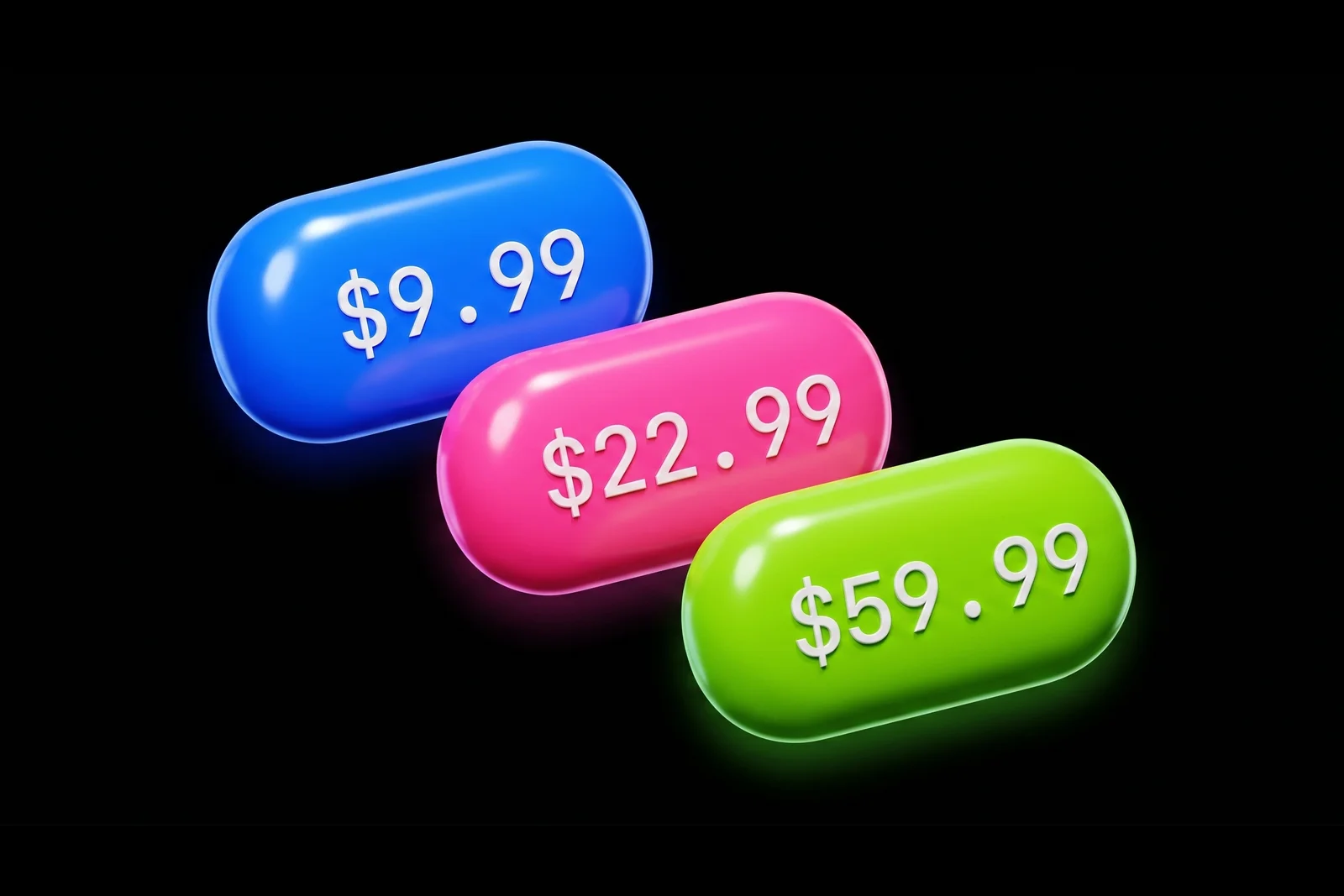
Every paid Creative Cloud plan includes Portfolio. What differs is how much you pay and which creative apps you get along with it.
Photography Plan (20GB): $9.99/month
The cheapest path to Adobe Portfolio. Per Adobe's Creative Cloud pricing page, the Photography Plan is $9.99/month and includes Photoshop, Lightroom, Lightroom Classic, and Adobe Portfolio.
If all you want is a portfolio builder and you'll occasionally edit images, this is the most efficient way to get Portfolio. You're paying just over $100 per year and getting a full photo editing suite alongside it.
Single App Plans: $22.99/month
Any single Creative Cloud app subscription (Photoshop, Illustrator, InDesign, Premiere Pro, and so on) includes Adobe Portfolio. Pricing sits around $22.99/month depending on the app and any ongoing promotions.
This is the plan most working designers already have. If you're subscribed to Photoshop for client work, Portfolio is effectively bundled in for free.
Creative Cloud All Apps: $59.99/month
The full suite of 20+ Creative Cloud applications. At $59.99/month for individuals, this is the most expensive plan but also the most common for full-time professional designers. Portfolio is included, same as every other plan.
Student and Teacher Plans: Discounted
Verified students and teachers qualify for the Creative Cloud All Apps plan at a substantial discount, per Adobe's student and teacher pricing. The discount is up to 60% off regular pricing for the first year, with a smaller discount in subsequent years. Adobe Portfolio is included at the same level it is in every other plan.
For students, this is often the best deal in the entire software industry: access to the full Creative Cloud suite plus a professional portfolio builder for roughly the price of a streaming service.
When Paying for Creative Cloud Just to Get Portfolio Makes Sense
If you're not currently a Creative Cloud subscriber, the question changes. You're not deciding whether to use Adobe Portfolio. You're deciding whether to pay for a $9.99 to $59.99 monthly subscription to access it.
Here's when that math works:
1. You'll actually use the creative apps too. If you'll use Photoshop, Lightroom, or Illustrator even a few times a month, the Photography Plan at $9.99/month is a genuinely good deal. You're getting the software plus a portfolio for about what Squarespace charges for the website alone.
2. You're a design student. The student discount brings the full CC All Apps plan into competitive territory with most standalone portfolio builders. Given that you likely need Creative Cloud for coursework anyway, the portfolio comes along for free in a real sense.
3. You're already committed to the Adobe ecosystem. If your work lives in Photoshop files, Lightroom catalogs, or Illustrator projects, staying inside the Adobe ecosystem has workflow benefits (Behance sync, Adobe Fonts, cloud storage) that competitors can't replicate.
When Paying for Creative Cloud Just for Portfolio Doesn't Make Sense
Being honest: if the only thing you want is a portfolio website and you don't need any Adobe apps, Creative Cloud is expensive for what you're getting.
At $9.99/month minimum, the cheapest path to Adobe Portfolio is about the same as a basic Squarespace plan ($16/month), a Cargo site (starts around $13/month), or more than Carrd's Pro plan ($9/year, yes, per year). If you're not using the creative apps, you're effectively paying a premium for a portfolio builder that has less flexibility than most of those alternatives.
The clearest signal that Adobe Portfolio isn't the right call: you find yourself asking "how can I get Adobe Portfolio without paying for Creative Cloud?" The answer is you can't, and if that's the question you're asking, a standalone portfolio platform will serve you better.
Is There an Adobe Portfolio Free Trial?
Not directly. Adobe Portfolio doesn't offer a standalone trial, but Adobe does offer a 7-day free trial of Creative Cloud plans, during which you can access Portfolio. You'll need to add payment information to start the trial, and you'll be charged automatically if you don't cancel before day seven.
If you want to test the platform before committing, the cleanest path is to start a Photography Plan trial, set up a portfolio during those seven days, and then decide whether to keep the subscription. Any site you build remains accessible as long as your subscription is active.
What Happens to Your Portfolio If You Cancel Creative Cloud?
Your site stops being publicly accessible. Adobe Portfolio is tied to your active Creative Cloud subscription, so when the subscription lapses, your portfolio goes offline within a grace period. Your content isn't deleted immediately, but visitors to your domain will see an inactive site.
This is worth factoring into any long-term portfolio strategy. If you think you might cancel Creative Cloud within the next year or two, building your portfolio somewhere platform-independent (Squarespace, Framer, a custom site) gives you durability that Adobe Portfolio can't match.
Adobe Portfolio vs. Other "Free" Portfolio Options
Plenty of portfolio platforms have genuinely free tiers. Here's how they stack up against Adobe Portfolio's "free with Creative Cloud" model:
- Behance: Actually free, no subscription required. Owned by Adobe, built for creative work. Limitation: you don’t get a custom domain or a branded site, just a profile at behance.net/yourname. Best as a companion to a real portfolio, not a replacement.
- Carrd: Free tier covers one simple site. Pro plan is $9/year. Limitation: built for single-page sites, not multi-project portfolios.
- WordPress.com: Free tier includes a subdomain and basic hosting. Limitation: custom domains and ad removal require a paid plan starting at $4/month.
- Dribbble: Free profile-style portfolios for members. Limitation: same as Behance, not a custom site.
- Notion/Super: Build a portfolio in Notion and publish with Super.so. Limitation: Super starts at $12/month for custom domains.
None of these give you what Adobe Portfolio gives you for free to CC subscribers: a fully hosted, custom-domain, multi-site portfolio with Adobe Fonts and SSL. But if you're not a CC subscriber and won't become one, the free tiers from these alternatives are real, and Adobe Portfolio's "free with subscription" pitch doesn't apply to you.
Frequently Asked Questions
Can I get Adobe Portfolio without paying for anything?
No. Every current path to Adobe Portfolio requires an active Creative Cloud subscription. There is no free tier, no ad-supported version, and no permanent free account. The closest thing is a 7-day Creative Cloud trial, which requires payment information upfront.
Is Adobe Portfolio free for students?
Adobe Portfolio is included with Creative Cloud for students at a discounted rate, not free. Verified students can access the All Apps plan at up to 60% off the regular price, per Adobe's student plan page. Portfolio is included at the same level as any other plan. For most design students, this is the most cost-effective path.
Does the Adobe Photography Plan include Adobe Portfolio?
Yes. The Creative Cloud Photography Plan ($9.99/month for the 20GB tier) includes Photoshop, Lightroom, Lightroom Classic, and Adobe Portfolio at no additional cost. It's the cheapest Creative Cloud plan that includes Portfolio.
How many websites can I build with Adobe Portfolio?
Up to five separate sites from a single Adobe Portfolio account, per Adobe's documentation on managing multiple sites. Each site can have its own custom domain, theme, and password protection. There's no extra fee for using more than one.
Can I connect a custom domain to Adobe Portfolio for free?
The custom domain feature itself is free, but you'll need to purchase the domain separately from a registrar like Google Domains, Namecheap, or GoDaddy. Adobe handles the SSL certificate automatically once the domain is connected.
What happens to my portfolio if I cancel Creative Cloud?
Your site becomes inaccessible to visitors within a grace period after your subscription ends. Your content isn't permanently deleted right away, but your portfolio will no longer be live. If you resubscribe later, your site can typically be restored.
Is Behance the same as Adobe Portfolio?
No. Both are owned by Adobe and they connect to each other, but they serve different purposes. Behance is a free creative social network where you post projects to a profile at behance.net. Adobe Portfolio is a paid-via-Creative-Cloud website builder where you get your own branded site at a custom domain. Most working designers use both.
The Practical Bottom Line
If you already pay for any Creative Cloud app, Adobe Portfolio is free to you, and there's no rational reason not to at least try it. You're paying for it whether you use it or not.
If you don't pay for Creative Cloud, Adobe Portfolio isn't the right framing of the question. The real question is: do you need Photoshop, Lightroom, or other CC apps for your creative work? If yes, bundle Portfolio in and get both for one subscription. If no, a standalone portfolio platform like Squarespace, Framer, or Cargo will serve you better and often cost less.
The one case where I'd still push a non-CC subscriber toward Adobe Portfolio: design students who need Creative Cloud for coursework and want to launch a portfolio quickly. The student discount plus the five-sites-per-account limit plus the Behance sync makes it a strong fit, even accounting for its rougher edges.
If that describes you, the fastest way to go from nothing to a live site is following a clear setup process rather than clicking around inside the platform for an afternoon.

Jon Sorrentino
Jon Sorrentino is a fractional design partner with digital product and brand experience at PepsiCo, VICE Media, and Barstool Sports. He runs a solo design studio working with Series A and B startups on product design, web design, and brand strategy. He enjoys writing about the intersection of AI and Design and the decisions that separate good design from design that performs for businesses.
Want help building this out for your site? I work with founders and small teams to get the fundamentals right, fast.
Let's talk